Connect an Astro project.
Import a repository and branch through the Gostrax GitHub App. Give each client site its own workspace.
 GostraxGet Early Access →
Bring your client websites into one workspace. Give clients a simple place to request updates, while your agency manages permissions, reviews content and owns the design.
Requests, content and your next review.
“Can we update the introduction for our new collection?”
A new season. A fresh perspective.
Discover the latest Atelier collection.
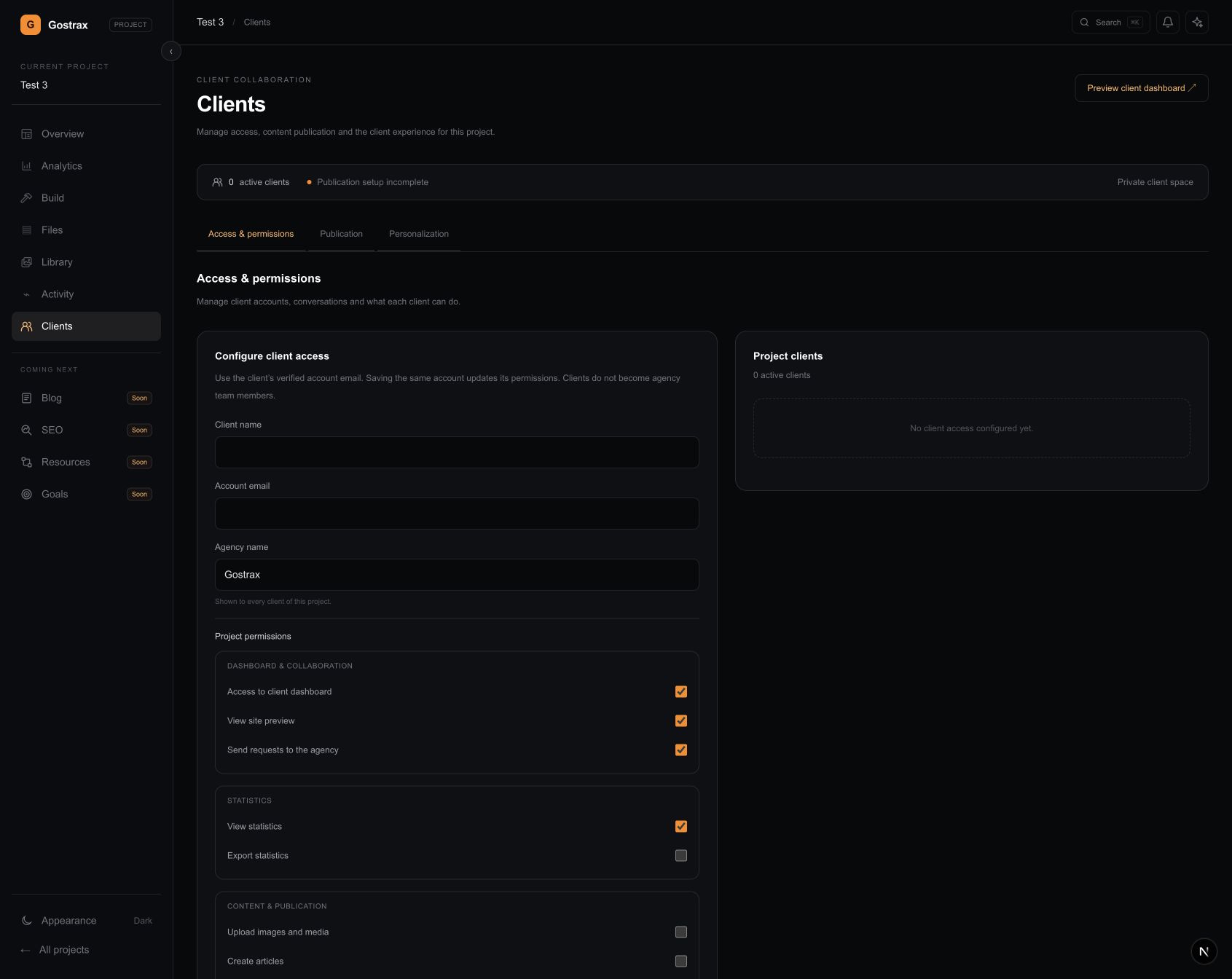
Example permissions, configured by your agency.
New copy. A new image. Another article. Give those everyday requests a home alongside the website they belong to, with a clear space for your client and the tools your agency needs to do the work.
Clients don’t need your development environment. They need a clear way to share a request, prepare permitted content and see their website.
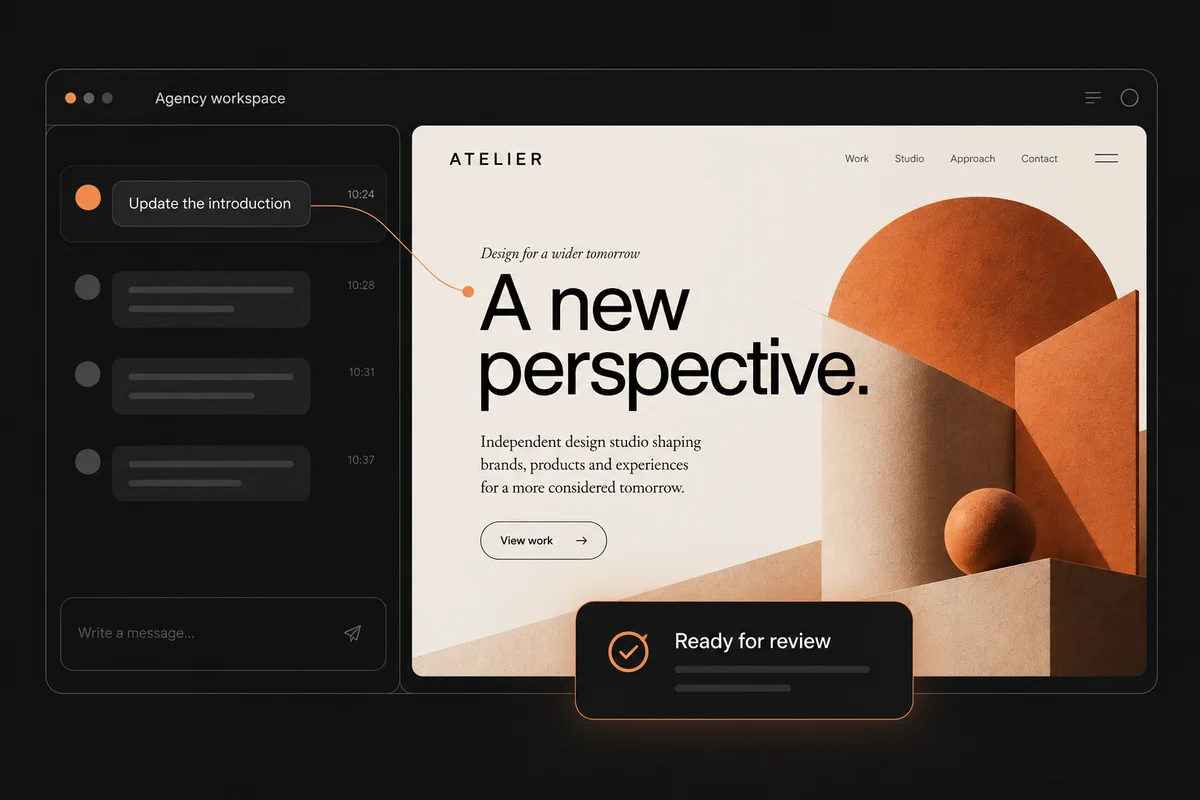
Stay close to the site and the source. Review a request in context, use AI assistance where it helps and refine the result with your agency’s tools.
Import a repository and branch through the Gostrax GitHub App. Give each client site its own workspace.
Invite your client and configure their access: approved pages, media, articles and publication permissions.
Keep the request, draft and preview close together. Review content before approving it for publication.
Publication requires the project’s GitHub and Vercel setup. Article publishing also requires a configured template.
Bring an existing Astro site through GitHub import. Browse its source and assets in Gostrax, and export the saved project files when you need to work elsewhere.
GitHub import ↗Project export ↗Built exclusively for Astro. Export includes project files and assets; dependencies, build output and secret environment files are excluded.Gostrax is built for agencies and studios managing websites made with Astro. You can bring an existing Astro repository into a workspace and configure a separate space for its client.
Your agency configures client access per project. Text editing is limited to approved pages; media uploads, article creation, preview, statistics and publication have separate permissions. Design and source editing stay in the agency workspace.
Gostrax works with real Astro project files. You can import a GitHub repository and export saved project files as a ZIP. Import and export do not mean automatic two-way synchronization with your local development environment.
Approved content can enter the publication workflow when the project is configured for it. GitHub and Vercel connections are required; articles also need a configured article template. Publication access is controlled separately from editing access.
Gostrax is in early access. Tell us about your agency and the Astro websites you manage. Invitations are gradual as we develop and test the product with agencies.
One workspace for your agency. A dedicated space for your clients.
Built for Astro. Controlled by you.