
Client permissions: what to enable and what to keep with your agency
Build a useful client workspace by separating requests, content preparation, source changes and publication.
Denis Franchi ·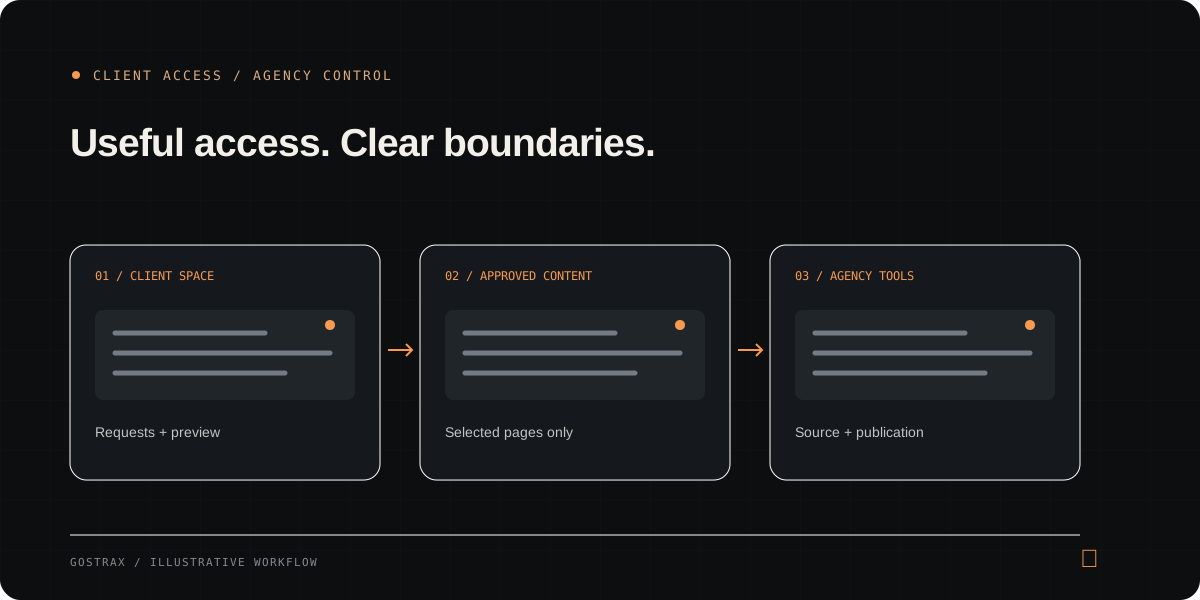
Choose permissions by responsibility
The useful question is not how much access a client can have, but what work they are responsible for. A client who supplies product information needs a way to propose content. A colleague responsible for deployment needs a different set of tools. Avoid treating these as the same role.
Start with requests and visibility
A project conversation and site preview provide a practical starting point. The client can explain a change and inspect the relevant page without editing code. Statistics access can be useful when real measurements are available; permission does not turn sample data into analytics.
Add content permissions deliberately
Media uploads, article drafts and page text are distinct tasks. Enable each when the project and workflow support it. For text changes, specify which pages are approved and identify shared content that should stay with the agency.
- Enable uploads only when storage and file limits are ready.
- Explain the difference between saving and submitting a draft.
- Use selected pages instead of assuming every route is editable.
Keep publication a separate decision
Preparing content is not approval, and approval is not deployment. Publication access should be granted only when the site is configured and the client understands what the action does. In Gostrax, publication permission does not allow clients to approve their own drafts.
Separate the client from your internal team
Agency team members may need access to design, source and project settings. A client content space serves a different purpose. For internal teammates, distinguish viewing, editing and administration, and revoke access when the assignment ends.
Review access as the relationship changes
Permissions can become outdated after a launch, staff change or new content process. Make an access review part of those transitions. Inspect the client experience before handover and document who can request, prepare, review and publish each kind of update.