
From content draft to publication: a review workflow for agencies
Separate saving, submission, approval and publication so everyone understands the state of a website update.
Denis Franchi ·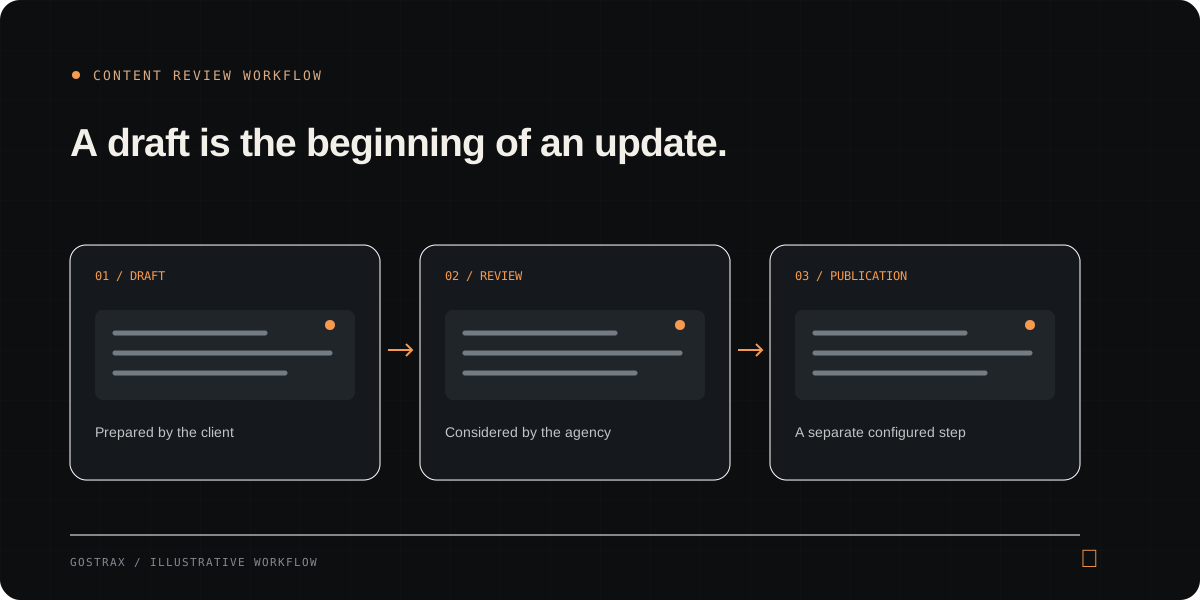
Give each state a clear meaning
“Done” is ambiguous when a website update involves a client, an agency and a deployment service. Use explicit states: a draft is prepared content, submission asks for review, approval records a review decision and publication starts the configured process for updating the site.
Prepare content before touching the live page
A draft lets the client refine wording and give the agency something concrete to review. Include the target page or article, any media references and the purpose of the update. Keep unfinished copy separate from the public page.
Review more than spelling
Review whether the content fits the page and the site. Check factual statements, headings, links, accessibility of images and the effect on shared components. A requested homepage paragraph might also appear elsewhere.
- Confirm the target route and source of the content.
- Check link destinations and media context.
- Explain what needs changing when rejecting a draft.
Record approval without implying publication
Approval should mean the agency accepts the proposed content. It should not silently imply that the website has changed. In Gostrax, the agency can approve or reject submitted drafts with a note; publication is a separate action.
Check the publication prerequisites
A publication workflow needs the right permissions and working project connections. For Gostrax article publication, inspect GitHub and Vercel connections, service readiness and the Astro article template. Do not enable client publication just because drafting is available.
Verify the public result
A queued job or completed operation is useful status information, but the final check is the live page. Confirm the content, links and layout at the public URL. Share that result with the client and keep the review history attached to the project.