
How to manage Astro client websites after handover
A practical approach to client requests, source ownership and ongoing updates for agencies working with Astro.
Denis Franchi ·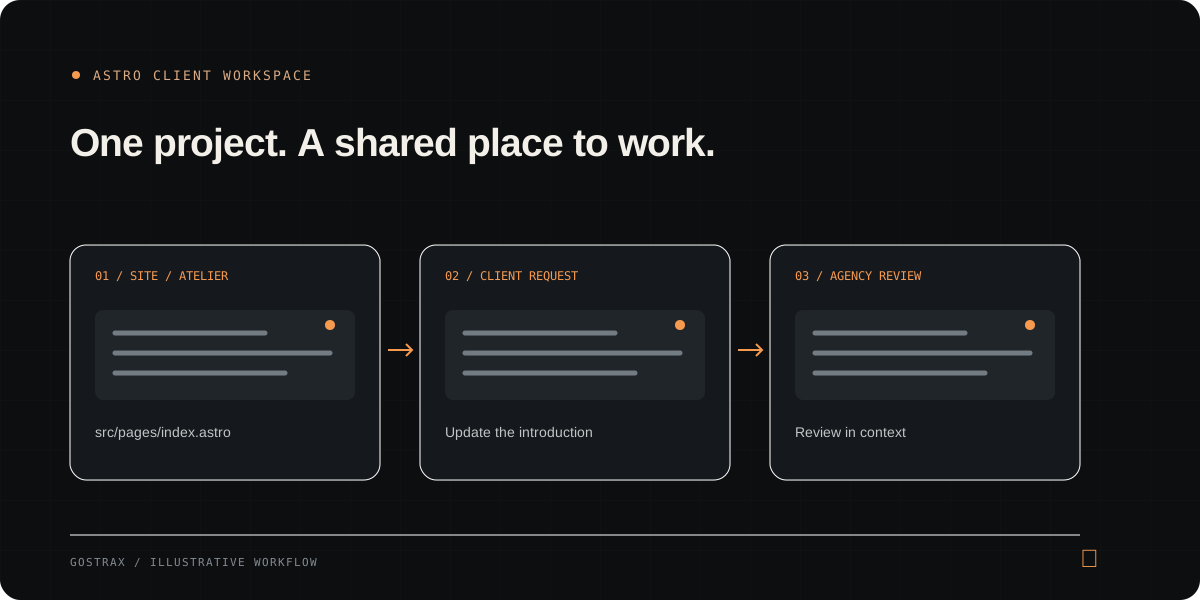
Treat handover as the beginning of a workflow
A finished website still needs people to maintain it. The client knows when a service changes, a new product arrives or a paragraph becomes outdated. The agency understands how that change fits the site. A useful handover defines the connection between those two responsibilities.
- Identify who submits requests and who reviews them.
- Document where the Astro source is maintained.
- Agree which content the client can prepare independently.
Keep requests attached to the right project
A request such as “update the introduction” is difficult to act on without context. Ask for the page, the current wording, the proposed change and the reason. Keep that conversation attached to the client project so the next person can understand the decision.
- Use the exact page URL or route.
- Separate a wording update from a change to layout or functionality.
- Record the intended result before editing the source.
Decide how source changes move
An Astro site can include pages, shared components, styles and content files. A visible paragraph may come from a shared component rather than the page itself. Inspect where the content lives before making changes, and decide which repository and branch are authoritative. Importing a repository into a tool should not be assumed to create automatic two-way synchronization.
Give clients a useful, limited space
Client access should reflect the work they need to do. Requests and preview access can be enough for one client; another may need media uploads or article drafts. Editing content is a different responsibility from administering project secrets, changing source or publishing.
- Start with the smallest useful permission set.
- Select approved pages for text drafting.
- Review permissions when the client’s responsibilities change.
Close the loop with review and verification
Review the proposed content in context. Check formatting, links and shared components, then preview the result. After publication, verify the actual public page. A submitted request, an approved draft and a successful public update are separate milestones.
How this maps to Gostrax
Gostrax brings Astro project tools and a dedicated client space into one workflow. The agency configures client permissions and reviews content. Publication remains a separate configured step. Start with one project and one content request before scaling the process across your clients.